Introducing inspections in Kera
Shipped in v2.474.0When a deposit is in question, the move-in inspection is the record you reach for. Too often it's a stack of phone photos, a paper checklist and a signature page that went missing. Months later, nobody can say what the kitchen looked like on the first day.
Today you can run inspections in Kera. Create a move-in, move-out, routine or general inspection for a property, unit and lease, walk it room by room, and record a condition, notes and photos for each item. When you submit it, Kera builds a PDF report and sends it out for signatures. Tenants and owners see their inspections in their portals.
Walk the unit room by room
Start from a saved template or Kera's default checklist, then rename, reorder or remove rooms for the unit in front of you. Build your own templates and room types under Inspections so every unit gets walked the same way, no matter who does it.
Rate each item from Excellent to Damaged, or N/A, and add notes and photos. Photos stay on your device until they finish uploading, so a weak signal in a basement unit won't lose them. You can't submit until every item is rated and every photo has uploaded.
Prepare a notice of entry for a routine inspection
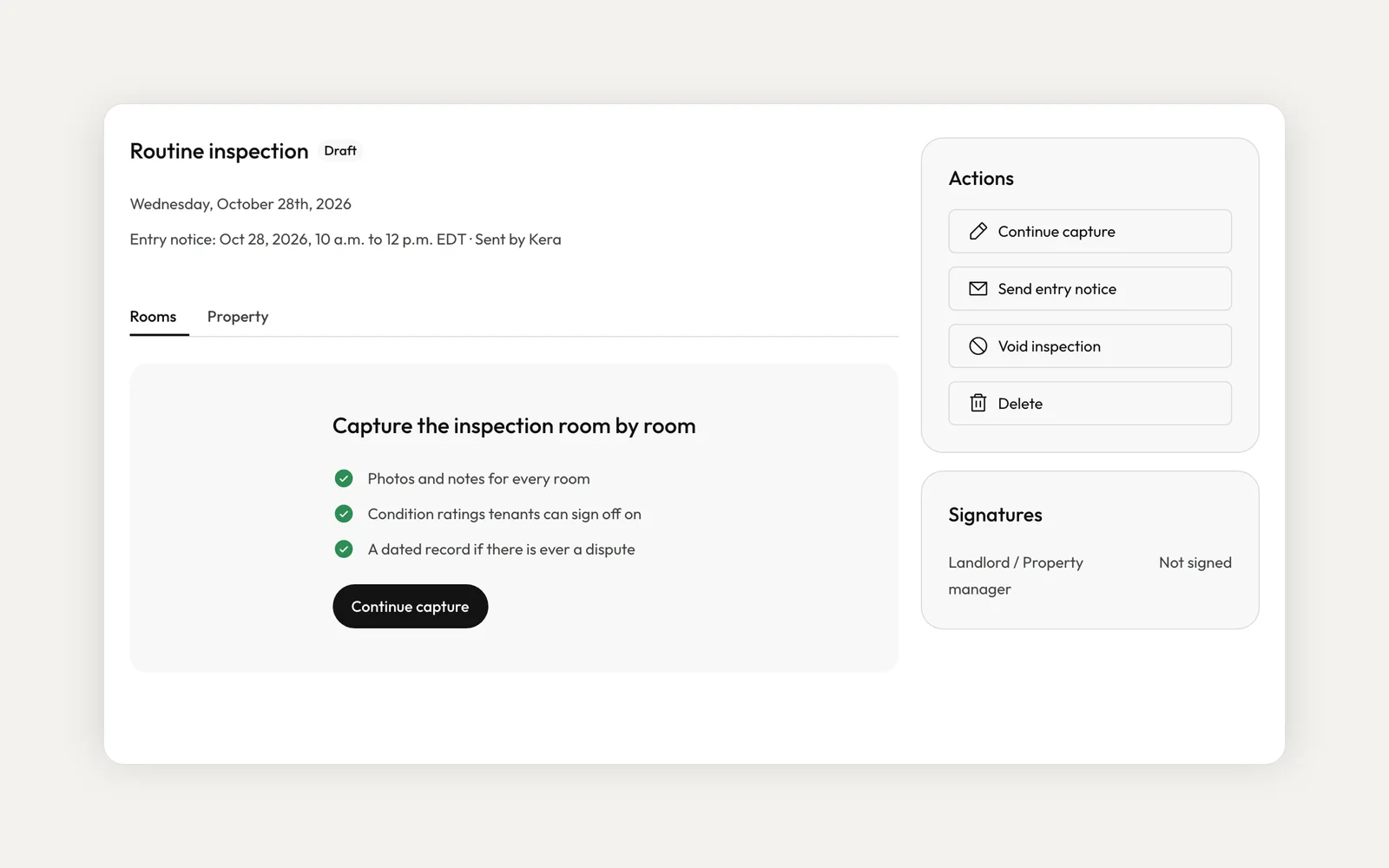
Before a routine inspection, prepare a notice of entry straight from the inspection, or add one while you create it. The date and time pickers only offer what Kera's entry rules for your province allow. Preview the letter and sign it where your province requires a signature.Note 1
Where your province allows email service and every tenant has agreed to it in writing, Kera can email the notice and record the service. Otherwise, serve it yourself and record how and when. Either way, Kera keeps the record of service with the notice, and the inspection shows the entry date and window at the top.
Get the report signed
Choose Submit for sign-off when the walk-through is done. Kera generates the PDF report and asks each required party to sign it: you and, by default, the tenants on the lease. If the property has an owner, you can also ask them to sign when you create the inspection. Tenants sign from the tenant portal and owners from the owner portal. The Signatures card shows who has signed and when.
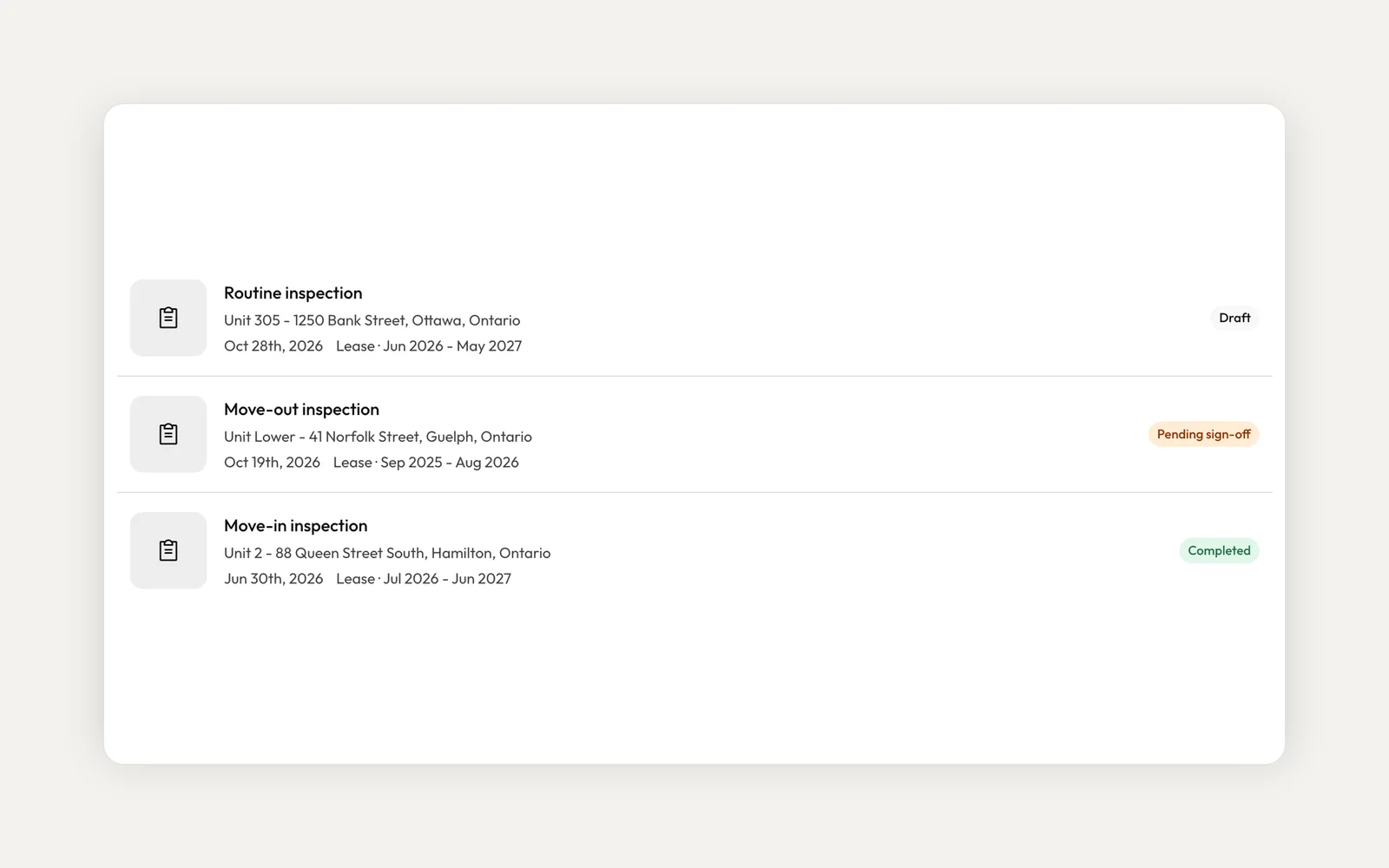
Each inspection moves from Draft to Pending sign-off to Completed. If you need to start over, void it with a reason and relaunch it pre-filled. Voiding also cancels the signing request that was waiting.
Deliver the report and line up repairs
After a move-in or move-out inspection, Kera shows your province's deadline to deliver the signed report, with the days left. Once you've signed, Kera can email the report to your tenants, and the inspection records when it was delivered. In BC, you can also prepare the notice of final opportunity (RTB-22) from the inspection.Note 1
If an item needs work, flag it, describe what needs attention and create a work order in one click. The photos and notes carry across, and the maintenance request links back to the inspection and room it came from.
Can Kera serve the notice of entry for me?
Where your province allows email service and every tenant has agreed in writing, Kera can email it and record the service. Otherwise you serve it, using a method your province allows. Either way, you choose the method of service and you're responsible for what the notice says, so check it before you sign it.
Which provinces can I prepare a notice of entry for?
Kera holds entry rules for every province and territory. In Quebec and Yukon, Kera records the notice but doesn't prepare it for you yet.
Can a tenant run their own inspection?
Not today. You run the inspection. Tenants see their inspection history in the tenant portal and sign the report when they're asked to.
To get started, open Inspections and choose New inspection, or use Start inspection from a property or unit. If you work in an organization, your role needs inspection permissions. For what to look at in each room, read our room-by-room inspection checklist.
- Kera fills in government forms and notices, such as Ontario's N forms and notices of entry, from the information you enter. Kera can email a notice where your province allows it and every tenant has agreed in writing; you're responsible for choosing a valid method of service and for the notice's contents. Check each notice before you sign it. Kera doesn't file notices for you. This is not legal advice. ↩
Run your whole business on Kera
Flat pricing, no per-door fees. Built for property managers.