Introducing tenant screening with The Great Renter
Shipped in v2.475.0Today you can screen applicants without leaving Kera. Open a rental application, choose the checks you want, and order them from The Great Renter. The report comes back to the same application, so the result stays with the person it belongs to.
Most landlords and property managers screen the slow way. They copy an applicant's details into a separate site, pay there, download a PDF and file it somewhere. Each step is a chance to mistype a birth date, lose track of consent, or forget which report belongs to whom. Screening in Kera uses the details the applicant already gave you and keeps the report where your team can find it. It's available in Canada only.Note 1
Order screening from the application
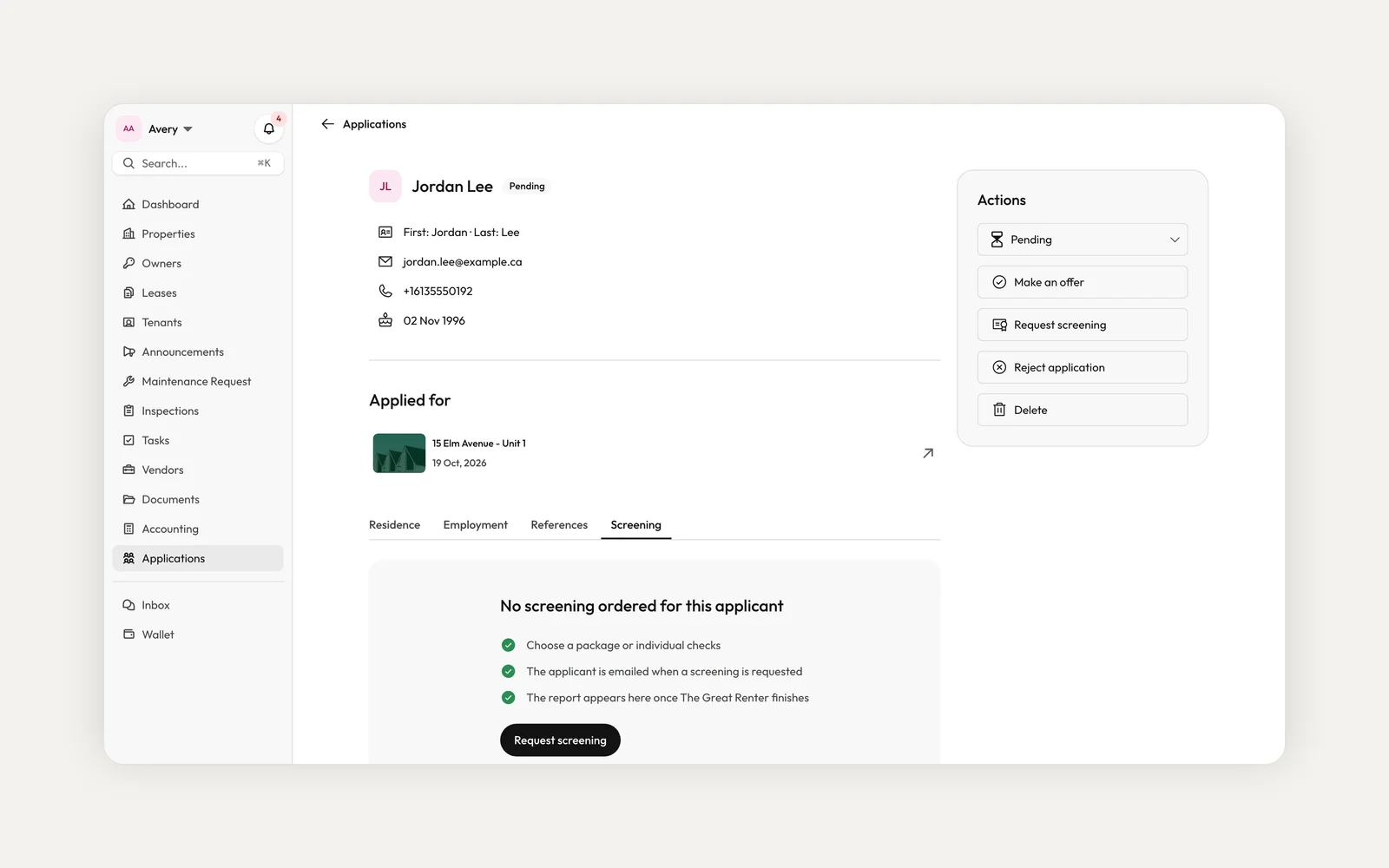
Open an application and choose Request screening, or start from the applications list. The order uses the name, date of birth and address history the applicant entered, so there's nothing to retype.
Older applications may be missing something screening needs, such as two years of address history or the applicant's consent. Kera lists what's missing and can send the applicant a link to fill in only those fields. The order places itself once they finish, and nobody is charged until then.
Choose the checks and see the price first
Pick the Basic or Enhanced package, or choose Custom and tick the checks you want: credit, global watchlist and adverse media. If a package covers the checks you ticked for less, Kera points it out so you can switch.
Before you confirm, you see the total, or that the package is included in your plan. Some plans include a monthly allowance of packages. Individual checks, and packages beyond the allowance, are charged to your card on file when you place the order.Note 2
Verify identity before anything else runs
Every order starts with identity verification, and Kera adds it for you. The applicant gets an email with a link to verify their identity with a government-issued photo ID and a quick selfie. The other checks start only after their identity is verified.
A manual identity review can take up to 24 hours. While you wait, the application shows the status of each check. Kera notifies you when the report is ready or if a request fails, and you can choose how you hear about each in your notification settings.
Read the report next to the application
Results arrive as data, not a PDF to file. The Screening tab leads with an overall result, then each check: identity, the Equifax credit score with its key figures and itemized credit file, and the watchlist and adverse media outcomes.
The report is one input to your decision, alongside references and your own judgement. The decision is yours to make. When you're ready to go ahead, you can make an offer or accept the application from the same page.Note 1
What do I need before I can order?
An active Kera subscription and a Kera wallet, which connects your Stripe account and needs a business address. The first time, you also turn on screening in the order dialog. On a team, a role needs the Request Screening permission.
When am I charged, and what if a check fails?
When the order is placed, not when an applicant is invited. If your card is declined, nothing is sent to The Great Renter and you can update the card and try again. A check that fails is refunded, or the plan allowance is given back for a package.
Does screening confirm an applicant's income?
No. The application shows the income the applicant reported, and the report doesn't confirm it. Screening covers identity, credit, global watchlist and adverse media.
To get started, turn on applications for a property or unit and share the link. Applicants don't need a Kera account. When an application arrives, open it from Applications and choose Request screening. Ordering needs an active Kera subscription and a connected Stripe account, and screening is available in Canada only.
- Tenant screening is provided by The Great Renter and is available in Canada only. An applicant must give consent through Kera before a screening can be ordered. Reports contain third party information, including from Equifax Canada, as received. The decision about an applicant is yours, and neither Kera nor The Great Renter makes or recommends it. ↩
- Card payments are processed by Stripe, and card details are stored by Stripe, not by Kera. Stripe's terms apply to payments made through Kera. ↩
Run your whole business on Kera
Flat pricing, no per-door fees. Built for property managers.