Send owner statements every month without building them by hand
Today you can send every owner a monthly statement for each property without building it by hand. Owners want to know three things each month: what came in, what went out, and what they're getting. If you build that in a spreadsheet, every property is another chance to get a number wrong, and then the owner asks why the payout doesn't match.
Kera builds owner statements from your books. Each statement covers one property for one month. You can send it when you pay the owner, or let Kera generate, publish and email last month's statements on a day you pick. Owners read their published statements in the owner portal.
Give owners one clear page for each month
A statement starts with a summary: balance brought forward, income, management fees, owner expenses, adjustments, what was disbursed and the closing balance. Below that it shows any reserve you hold in trust for the owner and what's available to disburse. The transactions sit underneath. When GST/HST applies, a tax summary shows what was collected on rent and paid on expenses.Note 1
Your logo, company name, address and phone number go on the PDF. Set them under Owner statement branding in Settings, under Accounting, and preview the letterhead before you send anything.
Send last month's statements on a day you choose
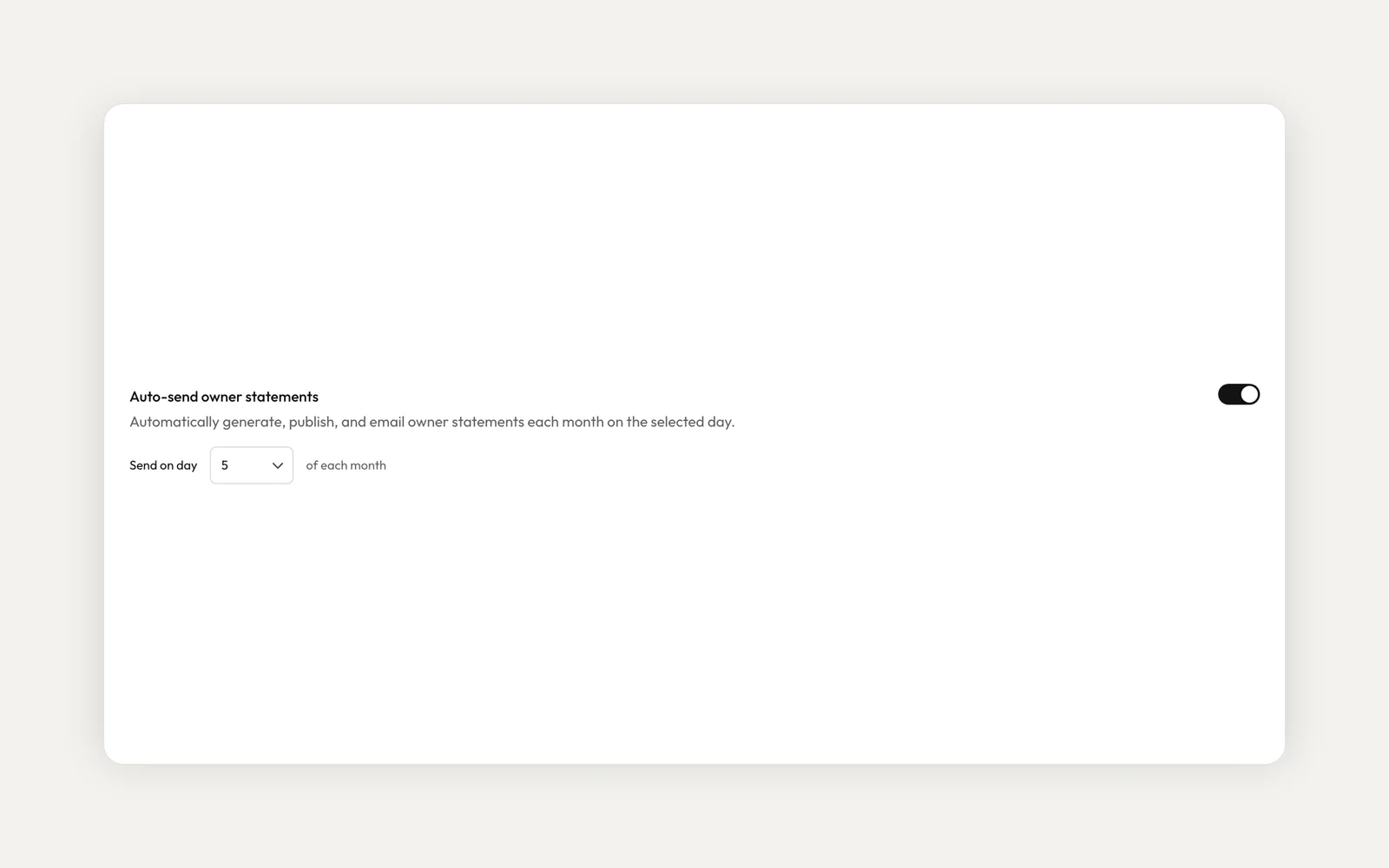
In Settings, under Accounting, turn on Auto-send owner statements and pick a day from 1 to 28. On that day each month, Kera generates last month's statements for every property with an active owner contract. It publishes them to the owner portal and emails each owner the PDF.
If a property's ownership is set to Partnership, each partner gets their own statement for their share. Otherwise the property gets one statement, sent to the owner you pay. Kera also files each statement in Documents, so you can find it later.
Send a statement with each payout
When you record a payout and post it yourself, you choose what happens to the statement. Send to owner now publishes it to their portal and emails the PDF. Record only saves it as a draft to send later.
Drafts stay private until you publish them. When a statement is published, Kera refreshes its figures from your books first, so anything posted after the draft was built is included. From the Disbursements tab you can open the statement for a posted payout or email it to the owner again.
Let owners read statements in their portal
Owners find their published statements under Financials, in the Statements tab of the owner portal. They can filter by property and open a statement to see its income, fees, payments and balance. The portal's Overview uses the same figures as the statements, so owners see one set of numbers.
Owners only see statements you have published. Drafts stay with you until you send them.
What period does an auto-sent statement cover?
The calendar month before the send day. If you pick the 5th, the statements sent on 5 November cover October.
Can I check a statement before the owner sees it?
Yes. Leave auto-send off and choose Record only when you post a payout. The statement stays a draft until you publish it.
Do owners need a Kera account?
Owners get the PDF by email. To read statements in the portal, they need to accept your invitation to Kera.
To get started, set your letterhead and auto-send day in Settings, under Accounting, and add an owner contract to each property you manage for someone else. Owner contracts, owner statements and payouts are for organization accounts. Accounting is part of Kera's accounting plan, so if you don't see Accounting in your sidebar, contact us. For tips on what owners look for, read our post on owner statements that build trust.
- Kera's trust accounting tools help you follow the trust rules that apply to you, such as TRESA 2002 and O. Reg. 567/05 in Ontario. They support, but don't replace, your brokerage's obligations under TRESA or your province's rules. Whether a rule applies to you depends on your registration. This is not legal advice. ↩
Run your whole business on Kera
Flat pricing, no per-door fees. Built for property managers.