Choose who keeps the rent
Shipped in v4.1.0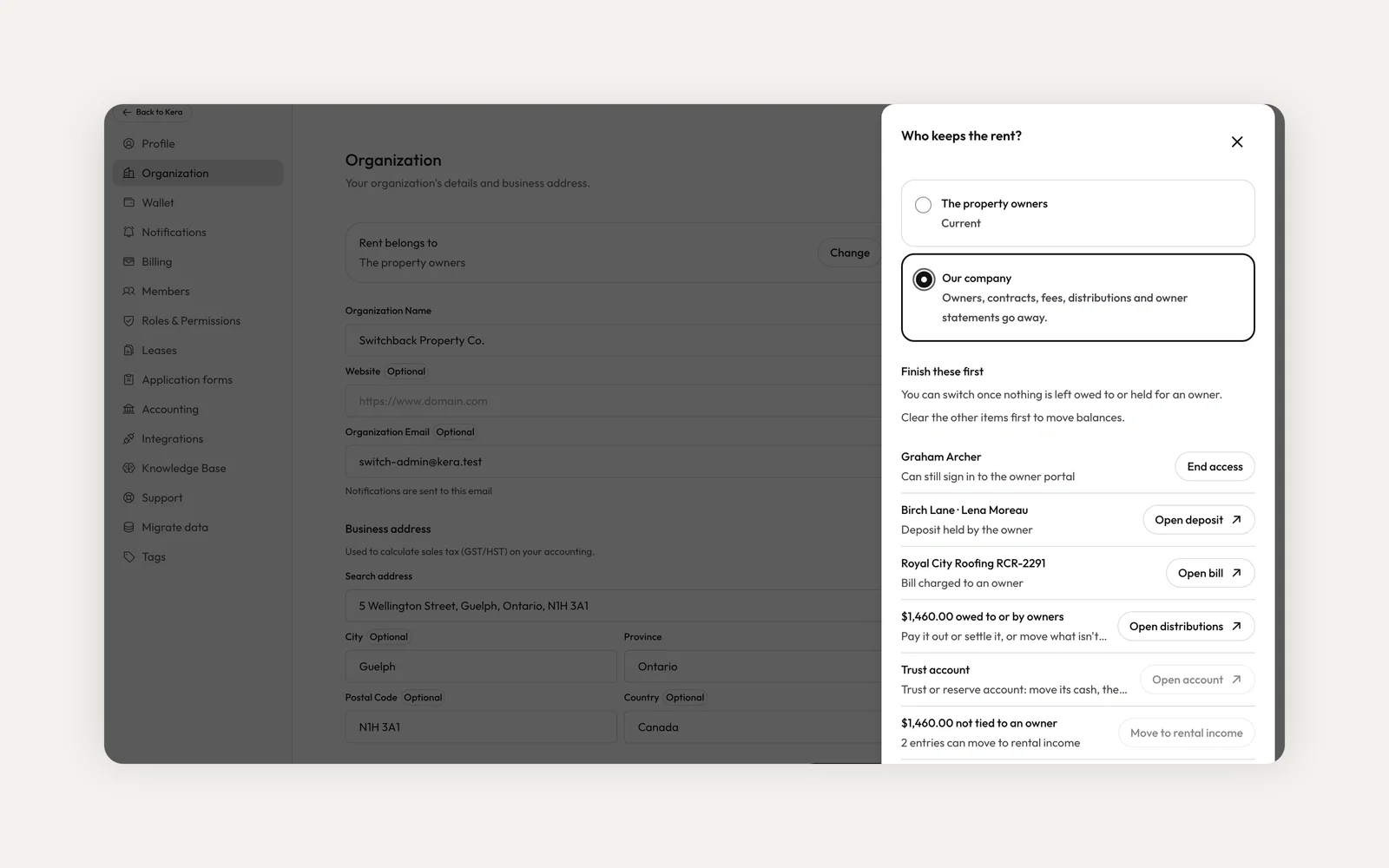
Until now, every property management company on Kera was set up to collect rent for owners: owners, owner contracts, management fees, payouts and owner statements. That fits a company managing other people's properties. It doesn't fit a company that owns its buildings, or runs them for its parent company, where the rent is simply the company's income.
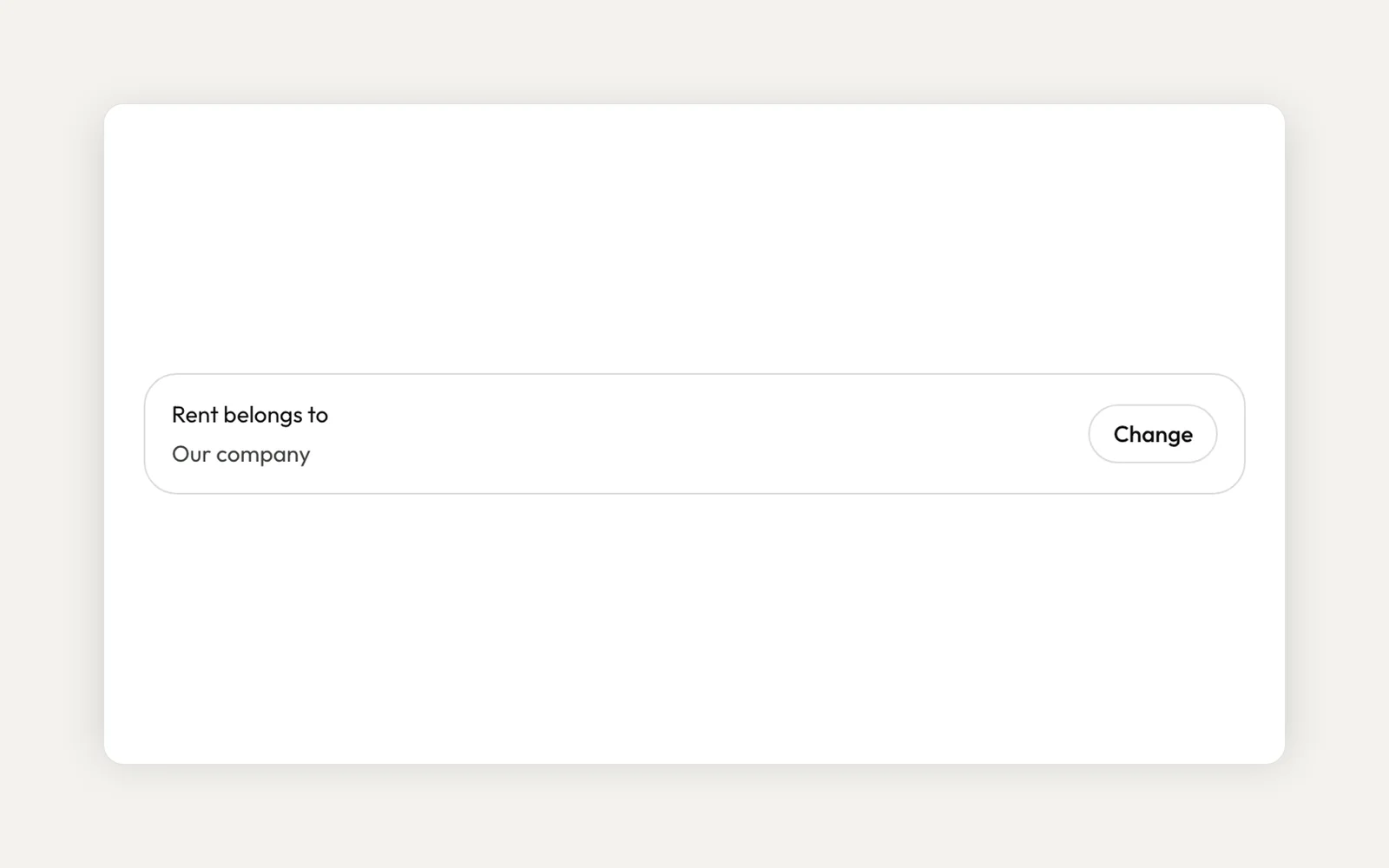
Now you can tell Kera who keeps the rent. Choose Our company and Kera books rent as your company's rental income, with no owners to set up or pay out. Your team, roles, buildings and tenants work just as before.
Answer one question when you sign up
When you choose Property Manager at signup, Kera now asks "Who keeps the rent?" before your organization's details. Pick The property owners if you collect rent for owners, take a fee and pay them out. Pick Our company if rent is your company's income. Pick the answer that matches who the rent belongs to, not who owns the building: a company that employs you to run its own buildings picks Our company.
What changes when rent belongs to your company
Rent is booked as rental income in your operating account, the same way it is for a landlord. Kera has no owners, owner contracts, management fees, distributions, owner statements or owner portal for your organization, so those steps and screens are gone from adding properties, leases, bills and accounting.
Security deposits are still held in trust, and buildings, staff seats and roles work as usual. In Reports, Rental profit and loss replaces the property manager reports and shows your rental income, expenses and net income. Kera also claims no GST/HST input tax credits on rental costs, because residential rent is exempt.
Already on Kera? Change it in Settings
An organization admin can open Settings, then Organization, and click Change on Rent belongs to. If you pick Our company, Kera checks your records first and lists anything still tied to owners under Finish these first, such as active owners, owner payouts in progress or deposits held by an owner. Each row has a button that opens the exact record to clear.
When only balances are left, the panel can move owner payable that isn't tied to any owner into rental income, and record moving trust cash to your operating account. Kera records the move in your books; make the same transfer at your bank. When nothing is left, click Save. Switching back to The property owners is always allowed.
Questions about who keeps the rent
Who can change it?
Organization admins, in Settings, then Organization, then Rent belongs to. Other team members can see the answer but not change it.
We manage some buildings for owners and own others. What do we pick?
It's one setting per organization. A company with both kinds of buildings uses two organizations.
Are security deposits still held in trust?
Yes. Choosing Our company changes how rent is booked, not how deposits are held.
What about landlord accounts?
Landlords already keep their own rent. With this release, landlord accounts also no longer show options meant for managing other people's properties, such as Bill to owner or the unit Owners tab.
To get started, choose Property Manager when you sign up and answer Our company, or ask an admin to change Rent belongs to in Settings, then Organization. It's available to property management companies on Kera in Canada and the US.
Run your whole business on Kera
Flat pricing, no per-door fees. Built for property managers.